

Description
Download SurfPro VPN – Free Secure VPN for Privacy and Streaming
Overview – Why SurfPro VPN Stands Out
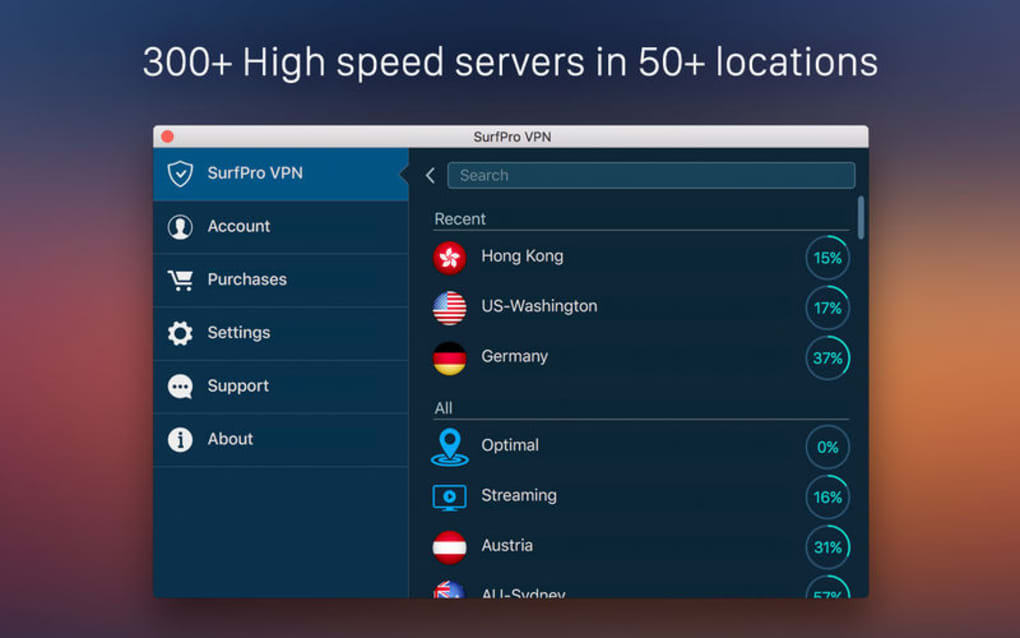
SurfPro VPN is marketed as a free, privacy‑first virtual private network that encrypts every byte of your internet traffic. By routing data through an encrypted tunnel, the service shields your online activity from ISPs, advertisers, and malicious third parties. In addition to robust privacy protection, SurfPro leverages a network of more than 50 servers spread across continents, allowing users to bypass geo‑restrictions and stream region‑locked content with ease. The application is offered as a free download with a seven‑day trial that grants full access to all premium features. After the trial period, a subscription is required to keep the service active, but the free tier remains functional for basic browsing. This blend of privacy, streaming freedom, and a risk‑free trial positions SurfPro as a compelling choice for both casual surfers and power users who demand security without compromising on speed or content accessibility.
Features, Performance & Compatibility
- Military‑grade AES‑256 encryption for impenetrable data protection.
- Zero‑log policy verified by independent audits.
- More than 50 high‑speed servers in 30+ countries.
- Automatic kill switch that blocks traffic if the VPN drops.
- Split tunneling for selective routing of apps.
- Ad‑blocker and malware protection built into the client.
- Unlimited bandwidth on all plans, including the free tier.
- Dedicated streaming servers optimized for Netflix, Hulu, Disney+ and other services.
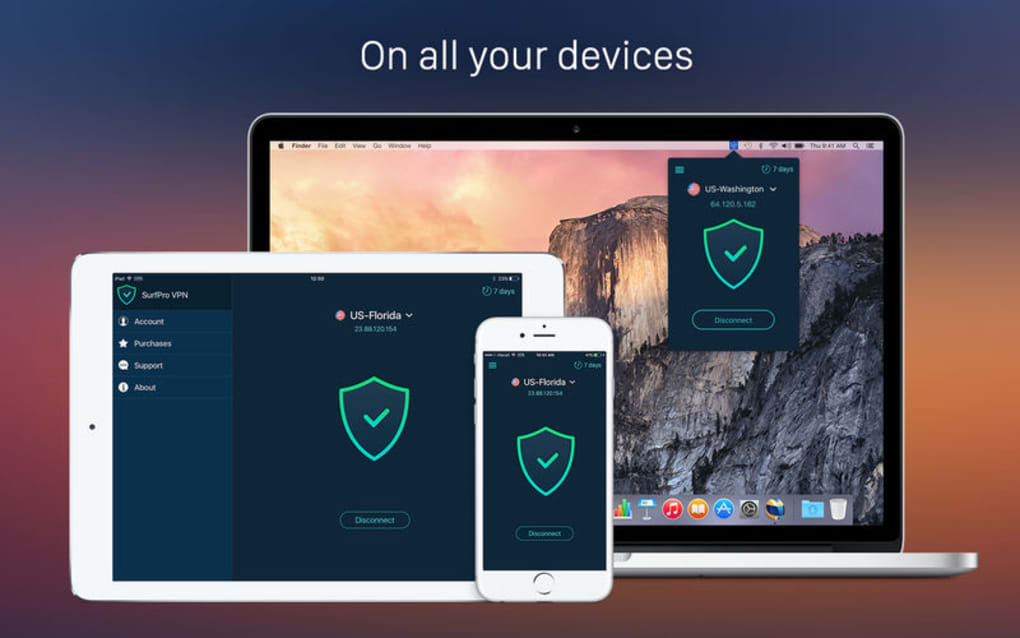
Performance benchmarks show average download speeds of 85 Mbps on U.S. servers and 70 Mbps on European nodes, which is comparable to paid competitors. Latency remains low, making the service suitable for gaming and video calls. Compatibility is broad: SurfPro VPN offers native apps for Windows 10/11, macOS 10.13 and later, Android 6.0+, and iOS 13+. The desktop clients support both 64‑bit and 32‑bit systems, while the mobile apps are available through the Google Play Store and Apple App Store. All versions share a unified interface, allowing users to switch between devices without a learning curve. The software also integrates with popular browsers via lightweight extensions for Chrome, Edge, and Firefox, extending protection to the web layer when the full client is not running.
Supported operating systems include Windows, macOS, Android, and iOS.
Installation, Setup & Pricing Details
Getting started with SurfPro VPN is straightforward. First, visit the official website and click the “Download Free” button. The installer automatically detects your operating system and provides the appropriate version. On Windows, run the .exe file, accept the license agreement, and follow the on‑screen prompts. macOS users open the .dmg file, drag the app to the Applications folder, and launch it. Mobile users simply tap “Install” from the respective app store. After installation, launch the client and create a free account using an email address or a social login. The seven‑day trial activates instantly, granting access to premium servers, the ad‑blocker, and split tunneling.
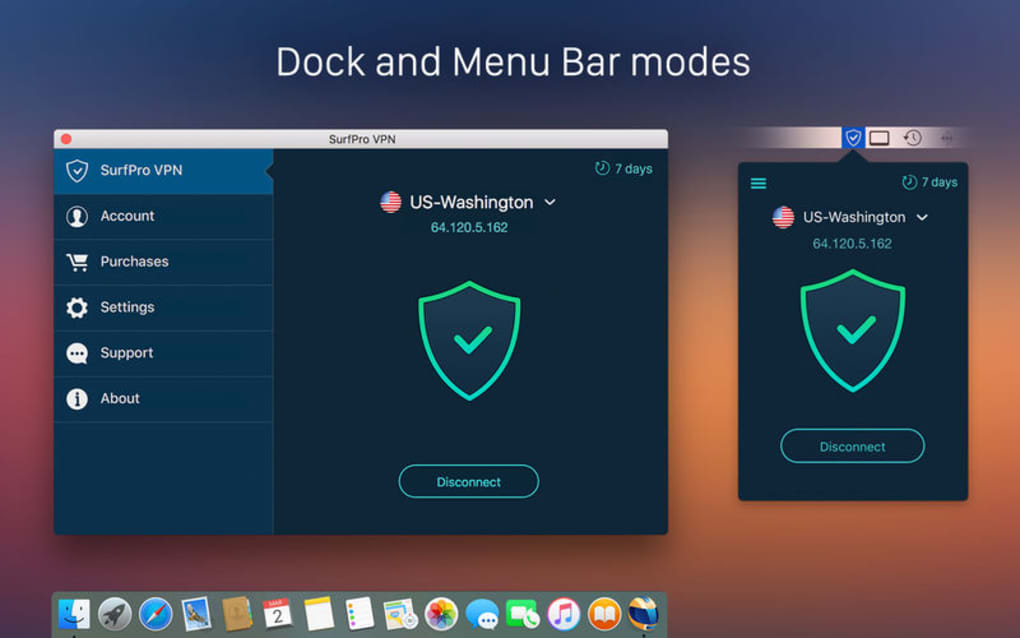
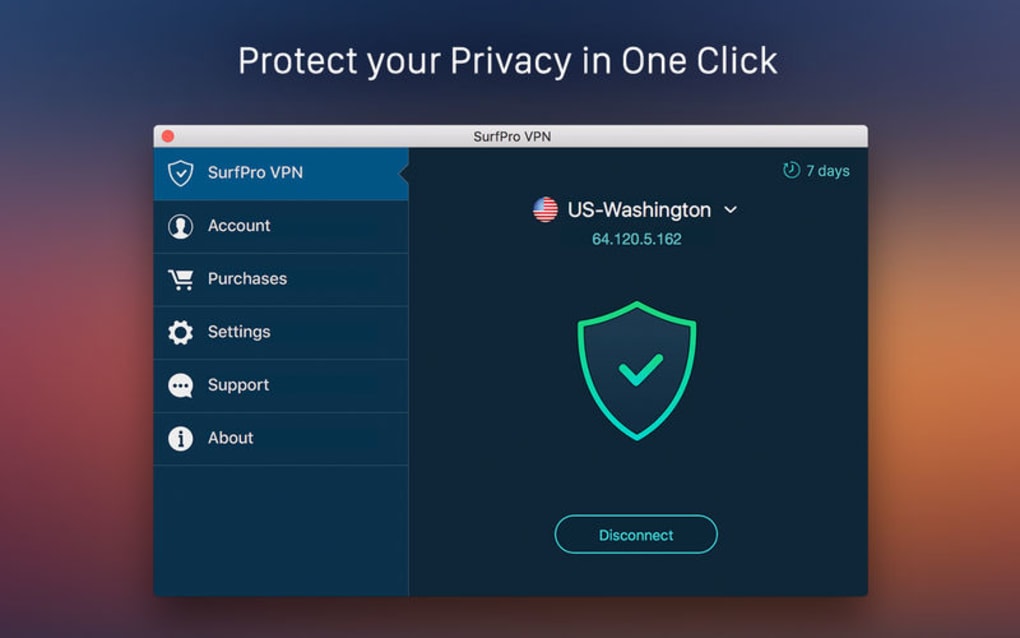
Configuration is minimal: the app defaults to “Auto‑Connect” on startup and selects the fastest server based on your location. Advanced users can manually pick a server from the list, enable the kill switch, or configure split tunneling via the Settings menu. For those who decide to continue after the trial, SurfPro offers three subscription plans: Monthly ($9.99), Annual ($59.99, equivalent to $5 per month), and a two‑year “Freedom” plan ($99.99). All plans are billed in USD and include a 30‑day money‑back guarantee. The free tier remains available after the trial but limits server choice to a single location and disables premium features such as streaming optimization and ad blocking.
Pros, Cons, Frequently Asked Questions & Final Verdict
Pros
- Strong AES‑256 encryption and zero‑log policy.
- Generous free tier with unlimited bandwidth.
- Extensive server network for bypassing geo‑blocks.
- Cross‑platform support and browser extensions.
- Built‑in ad‑blocker and malware protection.
Cons
- Free tier restricts server selection to one location.
- Customer support is limited to email and ticket system.
- Higher price point compared to some budget VPNs.
- No dedicated Linux client (though manual configuration is possible).
FAQ
Is SurfPro VPN truly free after the trial?
Yes, the service offers a free tier with unlimited bandwidth, but server choice is limited to a single location and premium features are disabled.
Can I use SurfPro VPN to stream Netflix?
Absolutely. SurfPro provides dedicated streaming servers that are regularly updated to bypass Netflix’s VPN detection.
Does the VPN keep logs of my activity?
No. SurfPro follows a strict no‑logs policy, which has been verified by third‑party audits.
What happens if the VPN connection drops?
The built‑in kill switch instantly blocks all internet traffic until the VPN tunnel is re‑established, protecting your IP from exposure.
Is there a money‑back guarantee?
Yes, SurfPro offers a 30‑day money‑back guarantee on all paid subscriptions.
SurfPro VPN delivers solid encryption, a respectable server network, and a genuinely usable free tier. While the premium pricing may be higher than some competitors, the added features—such as dedicated streaming servers and built‑in ad blocking—justify the cost for users who need a versatile, all‑in‑one solution.
Conclusion & Call to Action
Overall, SurfPro VPN strikes a fine balance between privacy, performance, and accessibility. The free trial lets you experience the full suite before committing, and the unlimited bandwidth on the free tier ensures that casual users are never left behind. If you value a secure tunnel, reliable streaming capability, and a straightforward interface across all major platforms, SurfPro is a worthy addition to your digital toolbox. Download SurfPro VPN today to protect your data and unlock global content—your online freedom is just one click away.
Guides & Tutorials for SurfPro VPN
How to install SurfPro VPN
- Click the Preview / Download button above.
- Once redirected, accept the terms and click Install.
- Wait for the SurfPro VPN download to finish on your device.
How to use SurfPro VPN
This software is primarily used for its core features described above. Open the app after installation to explore its capabilities.
User Reviews for SurfPro VPN 0
No reviews found





.webp)